
AI Email Writer: Draft, Improve, and Reply to Professional Emails in Seconds
An AI email writer is a writing tool that drafts, rewrites, and replies to emails for you — you give it a few words about what you need, pick a tone, and it returns a ready-to-send message in seconds. It handles cold outreach, follow-ups, sales pitches, replies, and everyday work email, according to the Harvard Business Review on effective business writing.
Position it against writing from a blank page: professionals report drafting emails dramatically faster — WriteMail.ai claims users write about 87% faster, and the company says more than 320,000 professionals use it. An AI email writing tool doesn’t just generate text; it lets you set tone, refine, and regenerate a draft until the message sounds like you.

What an AI email writer is (and how it works)
At its core, an AI email writer is a specialized interface over a large language model — the same family of technology that powers ChatGPT — tuned specifically to produce email-shaped output: a greeting, context, a clear ask, and a sign-off. You describe what you need in plain language, choose a tone, and the AI email assistant returns a structured draft you can send as-is or edit.
From a one-line prompt to a finished email
The core loop is simple and repeatable. You supply intent — for example, “ask a client for an overdue invoice, polite but firm” — and the tool drafts a structured email: a greeting that matches the relationship, a short paragraph of context, a direct ask, and an appropriate sign-off. Because the underlying model is built on the same large-language-model architecture that powers general chatbots, it can handle almost any phrasing you throw at it, but the email-specific tuning is what keeps the output from reading like a generic paragraph. Once the draft appears, you refine it: shorten it, swap the tone, or ask for a rewrite, and the tool regenerates instantly rather than making you start over.
Why professionals use one
The appeal comes down to a few concrete gains: speed, consistency, and fewer stalled drafts. WriteMail.ai’s own figures — roughly 87% faster drafting, used by over 320,000 professionals — are a useful proxy for how much time email writing eats out of a workday. An AI email writing tool also keeps tone consistent across dozens of messages, helps beat writer’s block on the emails nobody wants to write (overdue invoices, awkward follow-ups), and helps non-native English writers sound natural without over-editing themselves. The Harvard Business Review has long argued that a well-written email is judged in seconds, which is exactly why a tool that produces a clean structure on the first pass saves real time across a busy inbox.

What you can write with an AI email writer
The most useful way to think about an AI email writer is as a menu of email types, each with its own structure and stakes.
Cold outreach and sales emails
Personalize outreach at scale without rewriting from scratch. A cold outreach email or sales email needs a hook, a clear value proposition, and a low-friction call to action — and tools built for this use mail-merge placeholders (name, company, location) to personalize hundreds of messages from one template, an approach used by tools like YAMM and Mailmodo. Test variations before you commit to one. Many teams A/B test two or three subject lines or openers on a small batch before sending the full list, which meaningfully improves reply and conversion rates on cold campaigns.
Follow-ups and replies
A follow-up email needs a different touch than a first message — it has to reference the earlier thread without sounding pushy when a conversation has gone quiet. AI email writers generate polite follow-up sequences timed to a silence, and one-click reply features read an incoming message and draft a contextual response, which is exactly what people are searching for when they look up an “AI email reply” tool.
Everyday professional work email and payment reminders
Most inbox traffic isn’t cold outreach at all — it’s meeting requests, status updates, apologies, and thank-yous, plus the occasional payment reminder or overdue-invoice email. These messages carry their own etiquette: a payment reminder has to stay courteous even while being firm about the ask, and a professional / work email in general benefits from the same clear-ask, clean-structure approach an AI email assistant defaults to.
| Email type | Typical goal | Key ingredient |
|---|---|---|
| Cold outreach | Get a first reply | Personalization + clear CTA |
| Follow-up | Revive a stalled thread | Context reference, no pressure |
| Sales | Convert interest to action | Value proposition + urgency |
| Reply | Respond in context | Reads the incoming message |
| Payment reminder | Get paid, stay polite | Firm but courteous tone |
Getting the tone right
Tone is the single biggest lever an AI email writer gives you, and it’s why “professional AI email writer” and “AI email generator” both show up as common ways people search for the same capability.
One message, many tones
The same intent can be rendered formal, friendly, or persuasive with a single toggle. A good AI email writer exposes a tone selector — professional, friendly, persuasive, formal, casual — and lets you rewrite an existing draft to change register without retyping the whole message. That maps directly to the etiquette norms taught by Purdue OWL, whose guidance on professional email writing emphasizes a clear greeting, concision, an unambiguous ask, and a professional sign-off — the exact structure a tone-aware AI email writing tool is built to produce.
Matching tone to the relationship
A cold prospect, a long-time client, and your manager each warrant a different register. The tool can adapt the wording, but the human sending it should still review the output before it goes out — over-formal phrasing can read as stiff, and an AI trying too hard to sound casual can land as oddly robotic. Treat the AI’s draft as a strong first pass, not a final word.
The law doesn’t just apply to bulk email. It covers all commercial messages, which the law defines as “any electronic mail message the primary purpose of which is the commercial advertisement or promotion of a commercial product or service” — including email that promotes content on commercial websites.
FTC, CAN-SPAM Act: A Compliance Guide for Business
Subject lines that get opened
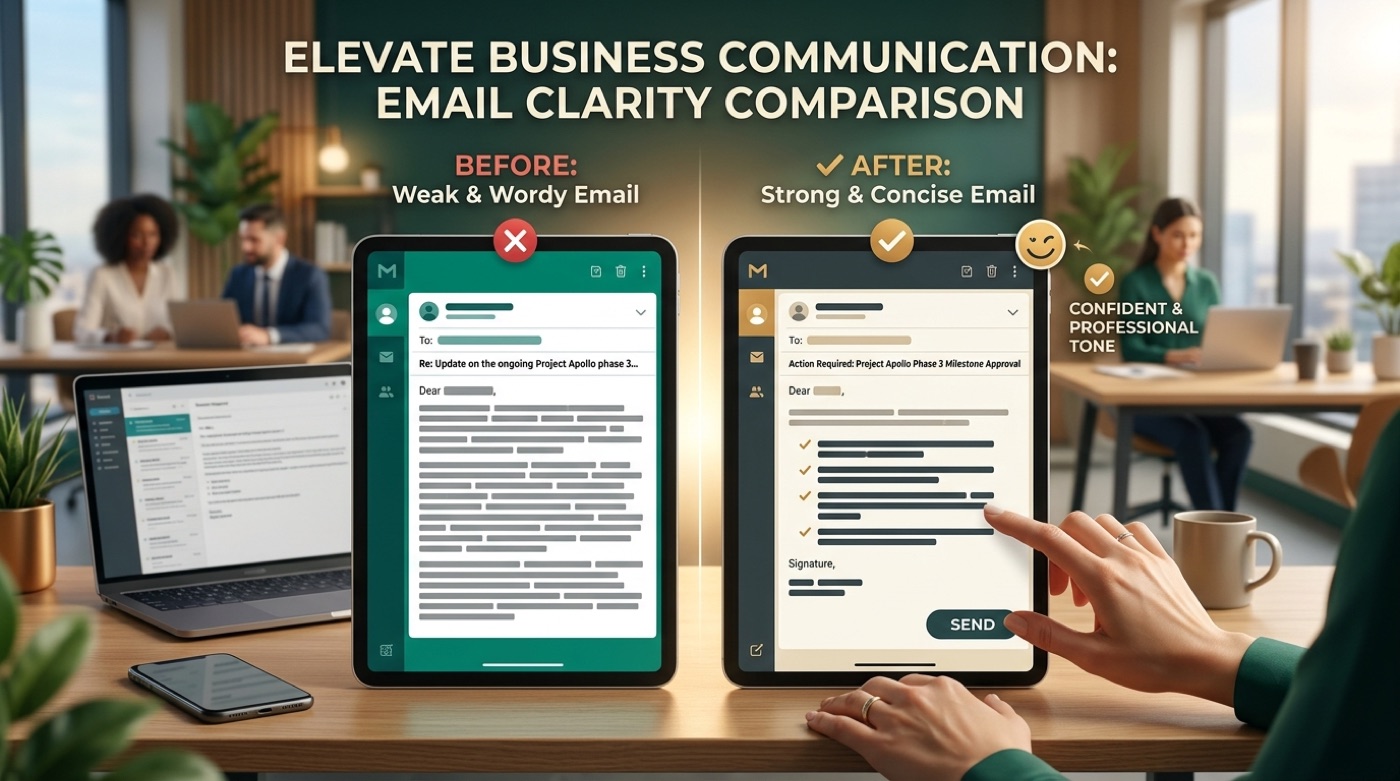
Even a perfectly written email fails if nobody opens it, which is why the subject line gets treated as its own feature rather than an afterthought.
Why the subject line is half the battle
AI email writers can generate multiple subject-line options tuned for clarity and length rather than cleverness. Nielsen Norman Group’s research on scannability shows readers decide whether to open or skip a message in a glance, which is why front-loading the key information and keeping the line short enough to survive a mobile preview matters more than a catchy turn of phrase. Read their guidance on writing for scanning for the underlying reasoning. A subject line that states the ask plainly — “Invoice #402 — 5 days overdue” beats “Following up!” — consistently earns a better open rate.
Using an AI email writer in Gmail and Outlook
A tool is only as useful as the workflow it fits into, and for email that means living inside the inbox rather than a separate tab.
Inside your inbox, not a separate app
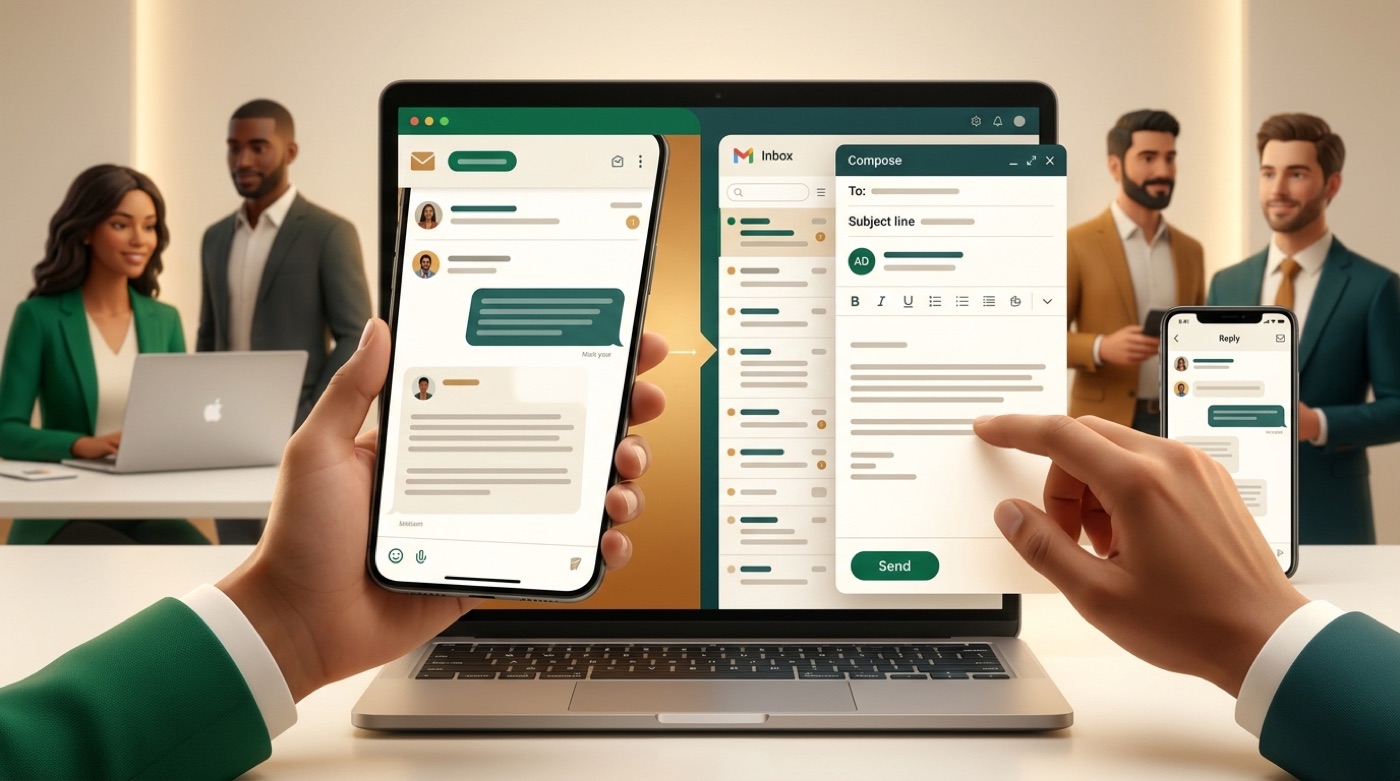
Browser extensions and add-ins put a “write with AI” button directly inside Gmail and Outlook compose windows, so you draft and reply without ever leaving the thread. For bulk sends, YAMM takes a different approach — mail merge run from Google Sheets, generating personalized copy for each row through GPT for Work. Both patterns solve the same problem: getting AI drafting where the email already lives instead of forcing a copy-paste round trip.
Writing in multiple languages
International outreach is where multi-language support earns its keep. AImReply, for example, supports drafting in up to 17 languages, which is useful whether you want to draft in English and carry the tone into a translation or write natively in another language from the start.
AI email writer vs. ChatGPT
This is one of the most common questions people ask once they realize both tools can technically write an email.
Same engine, different job
Both run on large language models, so in principle either can produce a decent email. The difference is specialization: a general chatbot like ChatGPT will write an email if you ask it to, but you have to re-explain structure, tone, and formatting every single time. A dedicated AI email writer adds the scaffolding around that same underlying model — one-click tone presets, subject-line generation, Gmail/Outlook integration, saved templates, and reply-in-context — so the structure doesn’t have to be re-prompted on message number two hundred.
When to use which
A general chatbot is a good fit for open-ended brainstorming — figuring out an angle, drafting an outline, or thinking through a tricky message before you commit to wording. A dedicated AI email writing tool is the better choice for high-volume, in-inbox, repeatable email work, where consistent tone and speed matter more than open-ended exploration.
Here’s a quick way to decide between the two:
- Identify the job: one tricky email, or dozens of similar ones?
- If it’s one-off and exploratory, a general chatbot works fine.
- If it’s repeatable — outreach, follow-ups, replies — favor a purpose-built AI email writer.
- Check whether you need inbox integration (Gmail/Outlook) or just a text output.
- Check whether you need saved templates or tone presets you’ll reuse.
- If deliverability matters (cold/marketing email), prefer a tool with a spam-score check.
- Pick the tool that matches, and keep a human review step either way.
Deliverability: staying out of the spam folder
Writing a good email is only half the job if it never reaches the inbox it was meant for.
Write to reach the inbox, not the spam folder
Spammy phrasing, ALL-CAPS subject lines, excessive links, and misleading claims all hurt deliverability, and some AI email writers now surface a spam-score check before you hit send. For cold or marketing email sent from the US, compliance isn’t optional: senders must follow the CAN-SPAM Act, which requires accurate header information, honest subject lines, a valid physical postal address, and a working, honored unsubscribe mechanism. The FTC’s compliance guide lays out the specific requirements in plain language, and it’s worth a read before running any outbound campaign at volume.

Free AI email writers and no-signup options
Cost and friction are usually the last question people have before they actually try one of these tools.
What “free” and “no signup” actually mean
Several tools, including QuillBot, Mailmodo, and WriteMail.ai’s free tier, let you draft a limited number of emails without creating an account at all. That’s genuinely useful for trying the workflow before committing, but it’s worth setting honest expectations: free and no-signup tiers typically cap the number of drafts per day, while paid plans unlock higher volume, inbox integrations, and saved templates for repeat use.
Frequently Asked Questions
- What is an AI email writer?
A tool that drafts, rewrites, and replies to emails from a short prompt, letting you set the tone and regenerate until it’s right.
- Is there a free AI email writer with no signup?
Yes — several tools let you draft a limited number of emails free without creating an account; paid tiers unlock volume and integrations.
- How is an AI email writer different from ChatGPT?
Both use large language models, but an AI email writer is purpose-built for email — tone presets, subject lines, templates, and Gmail/Outlook integration — while ChatGPT is a general chatbot you must re-prompt each time.
- Can an AI email writer reply to emails for me?
Yes — reply features read the incoming message and draft a contextual response you can edit before sending.
- Does it work inside Gmail and Outlook?
Many tools offer browser extensions and add-ins that add an AI “write” button directly in the Gmail and Outlook compose windows.
- Will AI-written emails land in spam?
Not if written well — avoid spammy phrasing and follow the CAN-SPAM Act for cold/marketing email (honest subject, physical address, working unsubscribe). Some tools include a spam-score check.